Learn
ResponsiveVoice reads the page. Somebody gives it a face.
How ResponsiveVoice's read-aloud player and a Somebody AI agent work together on one page, and why publishers, educators and accessibility teams would want both.
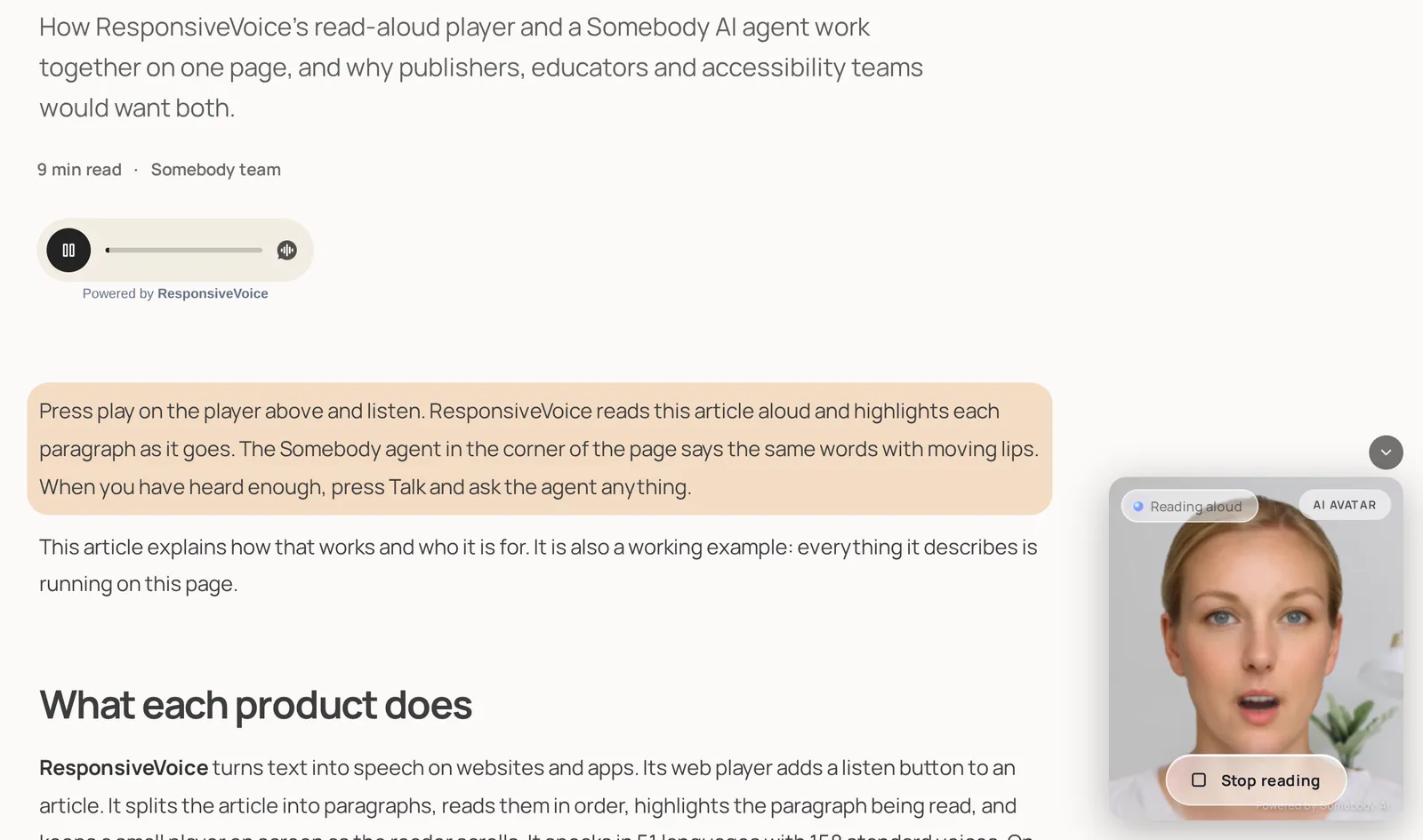
Press play on the player above and listen. ResponsiveVoice reads this article aloud and highlights each paragraph as it goes. The Somebody agent in the corner of the page says the same words with moving lips. When you have heard enough, press Talk and ask the agent anything.
This article explains how that works and who it is for. It is also a working example: everything it describes is running on this page.
What each product does
ResponsiveVoice turns text into speech on websites and apps. Its web player adds a listen button to an article. It splits the article into paragraphs, reads them in order, highlights the paragraph being read, and keeps a small player on screen as the reader scrolls. It speaks in 51 languages with 158 standard voices. On its Pro plan and above it can also use premium voices from OpenAI, Google and Azure on the customer's own key. A free plan covers one website and one million characters a month, which ResponsiveVoice puts at roughly 20 hours of speech.
Somebody AI puts a live agent with a face and a voice on a website. The face is sent to the visitor's device with the page and drawn there, so a waiting agent needs no video stream and no GPU in a data centre. When a visitor talks to it, the agent listens and answers out loud, and its lips follow its own voice.
On their own, the two products do different jobs. ResponsiveVoice reads what is already on the page. Somebody answers questions about it. Used together, the reader has a presenter, and the presenter knows the material.
Why a read-aloud player benefits from a face
Listening to a long article is a lot like listening to a podcast while looking at a page. The voice is there, but nobody is. Three things change when a face says the words.
- It is easier to keep listening. People pay attention to faces. A mouth that moves with the voice also helps a listener follow the words, which matters for anyone hard of hearing or listening in a second language.
- Questions have somewhere to go. A normal reader stops at the last paragraph. Here, the person who just read the article to you is still on the page, and you can ask them what a term meant or how it applies to you.
- The voice belongs to someone. When the reading voice matches the agent's conversation voice, reading and talking sound like one person. It feels like a presenter rather than a text-to-speech engine.
How it works
The integration does not replace either product. ResponsiveVoice does all of the speaking, and Somebody does all of the face.
- The visitor presses play on the ResponsiveVoice player. ResponsiveVoice picks the voice, turns the paragraph into audio and plays it on the page, as it always does. Each paragraph is synthesised once and cached, so the next visitor gets the same audio without paying for it again.
- The Somebody embed hears that audio on the page. It passes the sound to the agent a moment before you hear it, so the lip-sync can see what is coming.
- The agent's face, already drawn on the visitor's device, mouths the words. Its name tag says Reading aloud, and its Talk button becomes Stop reading.
- ResponsiveVoice tells the agent when reading pauses, resumes and ends. The agent follows.
- If the visitor presses Stop reading or Talk on the agent, ResponsiveVoice stops too. Talk starts a normal conversation with the agent.
Because nothing is streamed to draw the face, reading an article costs the same as it does without one: ResponsiveVoice's speech, and a face that runs on the visitor's own device. No Somebody conversation is open while the agent reads, so a visitor who only listens uses no conversation minutes at all. Minutes start when the visitor presses Talk.
Who it is for
ResponsiveVoice's customers fall into a few groups. Each gets something slightly different from a reader with a face.
| Who | What they use ResponsiveVoice for | What the face adds |
|---|---|---|
| Publishers and content sites | A listen button on every article, so readers can listen on the move or when reading is hard. | A presenter for the article, and a way for readers to ask follow-up questions without leaving the page. |
| WordPress site owners | The plugin's Listen block and web player on posts and pages. | The same player, now with a face that reads along and an agent that can answer questions about the site. |
| Education and e-learning | Course pages and lesson text read aloud for students who learn better by ear. | A tutor who reads the lesson and then takes questions on it, instead of a voice with nobody behind it. |
| Accessibility teams | Speech for visually impaired, older and dyslexic visitors, and visitors reading in a second language. | Visible lip movement that supports listening. The text, the highlight and the controls all stay as they were, so nothing depends on the face. |
| Agencies | Read-aloud on many client sites from one account. | A feature clients can see and talk to, built from two products the agency already knows how to set up. |
| Product teams | ResponsiveVoice's JavaScript library and API inside their own apps. | The same pattern inside an app: any audio ResponsiveVoice plays can drive the agent's face. |
Publishers and content sites
Most visitors to an article read part of it and leave. A listen button keeps some of them longer. An agent that reads aloud and then offers to answer questions gives them a reason to stay after the last paragraph, and gives the publisher a conversation instead of a bounce. The agent can be given the site's own material, so its answers come from what the publisher wrote.
WordPress site owners
ResponsiveVoice's WordPress plugin already adds the web player to posts and pages. A Somebody agent goes on a WordPress site with one script tag. The two meet on the page, so nothing about the WordPress setup has to change. The integration above is a short script that connects them.
Education and e-learning
A lesson page read aloud helps students who struggle with long text. A face reading it helps them keep their place. When the reading ends, the student can ask the agent to explain a point again or try a question on them. The agent can stay in the role of the course's tutor, with its own name, face and voice.
Accessibility teams
For accessibility, the most important thing is what the face does not change. The article is still text on the page. ResponsiveVoice still highlights the paragraph being read and still offers its own controls. The face is an addition for visitors who want it, never a replacement for the text. On this site we also made some deliberate choices you may want to copy:
- No captions are drawn over the agent's face, because the highlighted paragraph on the page already shows what is being read.
- Paragraphs are not turned into play buttons, so screen readers do not announce every paragraph as a control, and clicking a link does not start the reader.
- The page follows the paragraph being read only when it nears the edge of the screen. It stops doing so for a few seconds whenever the visitor scrolls, and it jumps instead of scrolling smoothly when the visitor's device asks for reduced motion.
Agencies and product teams
ResponsiveVoice's paid plans cover several websites from one account, with usage reported by site. Somebody agents are set up per site in the same way, each with its own face, voice and knowledge. An agency can offer read-aloud with a presenter as one feature, set up on each client site with the same script. Product teams can use the same pattern inside their own apps.
Matching the voice
A face reading in one voice and talking in another sounds like two people. To avoid that, choose a ResponsiveVoice voice that matches the agent's conversation voice. A Somebody agent that talks with an OpenAI voice can read with the same OpenAI voice through ResponsiveVoice's bring-your-own-key option. The same goes for a Gemini voice and Google's matching voices. This site reads with OpenAI's Marin voice for that reason.
The lip-sync needs audio it can hear. ResponsiveVoice's server voices play as audio on the page, so the face can follow them. Some voices are built into the visitor's browser instead, and those never reach the page, so the face cannot follow them. Setting ResponsiveVoice's forceFallback option makes it use its server voices every time.
Setting it up
The integration runs in the browser and needs no server. You need a Somebody agent and a ResponsiveVoice key with your site's domain added to it. Then add the agent, add ResponsiveVoice's player, and pass ResponsiveVoice's events to the agent:
<!-- The agent, and ResponsiveVoice's reader -->
<script src="https://embed.somebodyai.co/embed.js"></script>
<script src="https://cdn.responsivevoice.org/sdk/latest/responsivevoice.js"></script>

<script>
  const agent = SomebodyAgent.mount({ agentId: 'YOUR_AGENT_ID' });

  // Before ResponsiveVoice starts: the agent listens for the reader's audio.
  const narrator = agent.narrate({
    filter: (el) => !el.isConnected,
    onStop: () => responsiveVoice.cancel(),
  });

  responsiveVoice.addEventListener('OnStart', () => narrator.start());
  responsiveVoice.addEventListener('OnPause', () => narrator.pause(true));
  responsiveVoice.addEventListener('OnResume', () => narrator.pause(false));
  responsiveVoice.addEventListener('OnEnd', () => narrator.ended());

  responsiveVoice.init({
    apiKey: 'YOUR_RESPONSIVEVOICE_KEY',
    forceFallback: true,
    features: { webPlayer: { enabled: true } },
  });
</script>
Calling narrate() before ResponsiveVoice starts lets the agent hear the reader's audio from the first word. On this site we go one step further: the agent loads its lip-sync model only when the visitor first points at or tabs to the player. That way, readers who never listen don't download it.
Read-aloud needs version 3.10.0 or later of the Somebody player, which is what embed.somebodyai.co serves today.
What to know before you start
- Server voices only. The face follows ResponsiveVoice's server voices, not the voices built into the browser (see above).
- Premium voices need your own key. Matching an OpenAI, Google or Azure voice uses ResponsiveVoice's bring-your-own-key option, which is on its Pro plan and above.
- Domains are checked. ResponsiveVoice only answers requests from domains added to the key, so add every domain the page runs on, including preview sites.
- The agent does not yet know what was read. In this first version, an agent asked a question after reading answers from its own knowledge, not from a record of which paragraphs the visitor heard. Give it the article as part of its knowledge until that arrives.
Questions people ask
Does the face replace ResponsiveVoice's player?
No. ResponsiveVoice's player stays where it is, with its controls, its highlight and its mini-player. The face follows it.
Does reading aloud use Somebody conversation minutes?
No. No conversation is open while the agent reads. Minutes start only when the visitor presses Talk.
Does it work on phones?
Yes. The face is drawn on the visitor's device, and the ResponsiveVoice player works on phones, tablets and desktops.
Can the agent use my own voice?
A Somebody agent can talk in a cloned voice. ResponsiveVoice reads in its own voices and the premium voices it supports, so a cloned voice cannot read the article yet. Choose the closest ResponsiveVoice voice instead.
Is this only for ResponsiveVoice?
The agent follows audio that plays on the page, so other readers can drive it too. ResponsiveVoice is the one we have built and tested it with, and the one this page uses.
Try it
Scroll back to the top and press play to hear this article in the agent's voice, then press Talk and ask it how this would work on your site. To set it up on your own site, create a free Somebody agent and a free ResponsiveVoice key, or book a demo and we will help you set it up.